
Ver 2.2
Customer
- Increased speed data results
- Custom url slug (SEO)

- Search results matches with Interchange filters
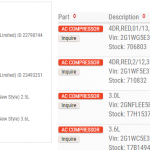
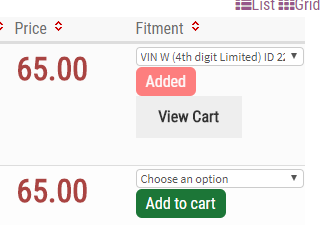
- Add multiple products without leaving the page
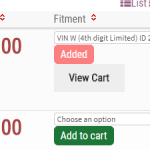
- Custom product titles for SEO. Add text and rearrange title text.

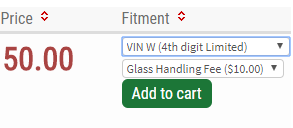
- Create rules to match criteria to display notes, add charges, warranties, etc



Technical
README.md: The file you are reading right nowLICENSE: The GPL v3 license applied to this piece of code- Custom modal windows to insure better load time and compatiblity
- URL passed data replacing form passed. (Prevents the prompt to reload data when clicking back button.
Usage
To use the WP License Manager Client, you will need two components:
- A self-hosted WordPress site with the WP License Manager plugin installed.
- A WordPress plugin or theme that you want to make use the license control.
Let’s assume your WordPress site (license manager) is set up at http://mylicenses.example.com. In this case, you’ll be able to access the licence manager API at http://mylicenses.example.com/api/license-manager.
To set up your WP License Manager Client using this license manager server:
Questions and Suggestions
If you have any questions or suggestions for what you’d like to see in this class or the WP License Manager plugin, send me email.